Is Looker Studio Free? Pricing for Agencies in 2026
Is Looker Studio free? Yes, and Pro is $9 per user per project a month. See what agencies really pay for Data Studio, connectors and client accounts.
On this page
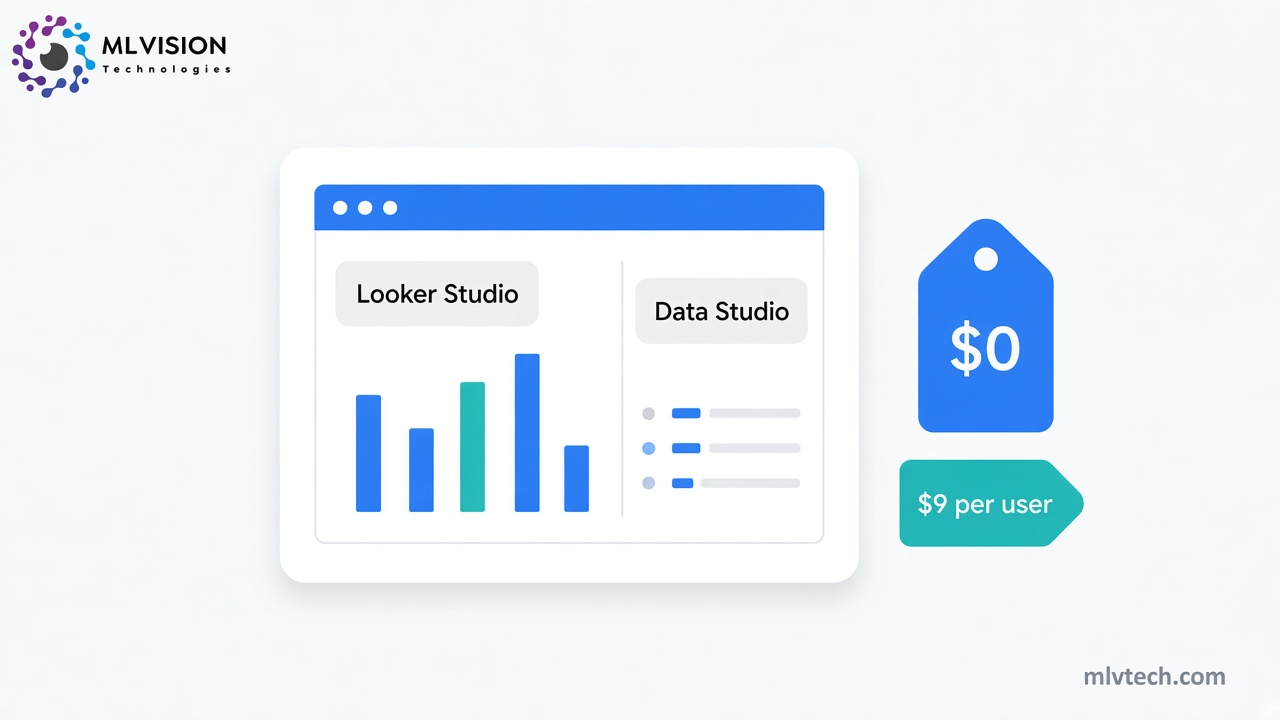
If you searched “is Looker Studio free”, the short answer is yes. Google charges nothing to build reports or to view them, so neither you nor your clients pay for the standard version. The paid tier, Looker Studio Pro, lists at $9 per user per project per month.
For an agency, two things complicate that answer. Google renamed the product back to Data Studio in April 2026, so its pricing pages now use a different name. And the tool is rarely the expensive part of client reporting. Connectors, a data warehouse and your team’s hours usually cost more.
Is Looker Studio free now that it’s called Data Studio?
Yes. Google announced the return of the Data Studio name on April 10, 2026, and the rebrand went live on April 16. Looker Studio Pro became Data Studio Pro. The free version stayed free, and Pro is still listed at $9.
Your existing reports and data sources moved over without any work on your side. The old lookerstudio.google.com address redirects to datastudio.google.com.
Looker is a separate product. It is Google’s enterprise BI platform, and Data Studio is the lighter tool for quick reports on data from BigQuery, Sheets and Google Ads.
Most people still type “Looker Studio” into search, so we use both names here.
Looker Studio pricing: free vs Pro at a glance
| Free (Data Studio) | Pro (Data Studio Pro) | |
|---|---|---|
| Price | $0 | $9 per user per project per month |
| Who needs a license | Nobody | Anyone who creates, edits or manages Pro content |
| Client viewers | Free | Free |
| Who owns the reports | The person who built them | Your organization, through a Google Cloud project |
| Team workspaces | No | Yes |
| Scheduled delivery | One schedule per report, at most daily | Up to 200 schedules per report, as often as hourly |
| Delivery to Slack and Google Chat | No | Yes |
| Scheduled email recipients | 200 a day, 800 a month (500 and 3,000 on Google Workspace) | No quota |
| Google support | Not included | Cloud Customer Care, if you also have a Google Cloud support plan |
Prices and limits come from Google’s Data Studio pricing page and its scheduled delivery documentation, checked on October 5, 2026.
How much does Looker Studio Pro cost, and who needs a license?
Google’s Looker Studio pricing page lists Pro at $9 per user per project per month. It also says the per-user rate varies with the length of your subscription, so check the price shown at sign-up.
Three rules in Google’s Pro subscription overview decide what you pay:
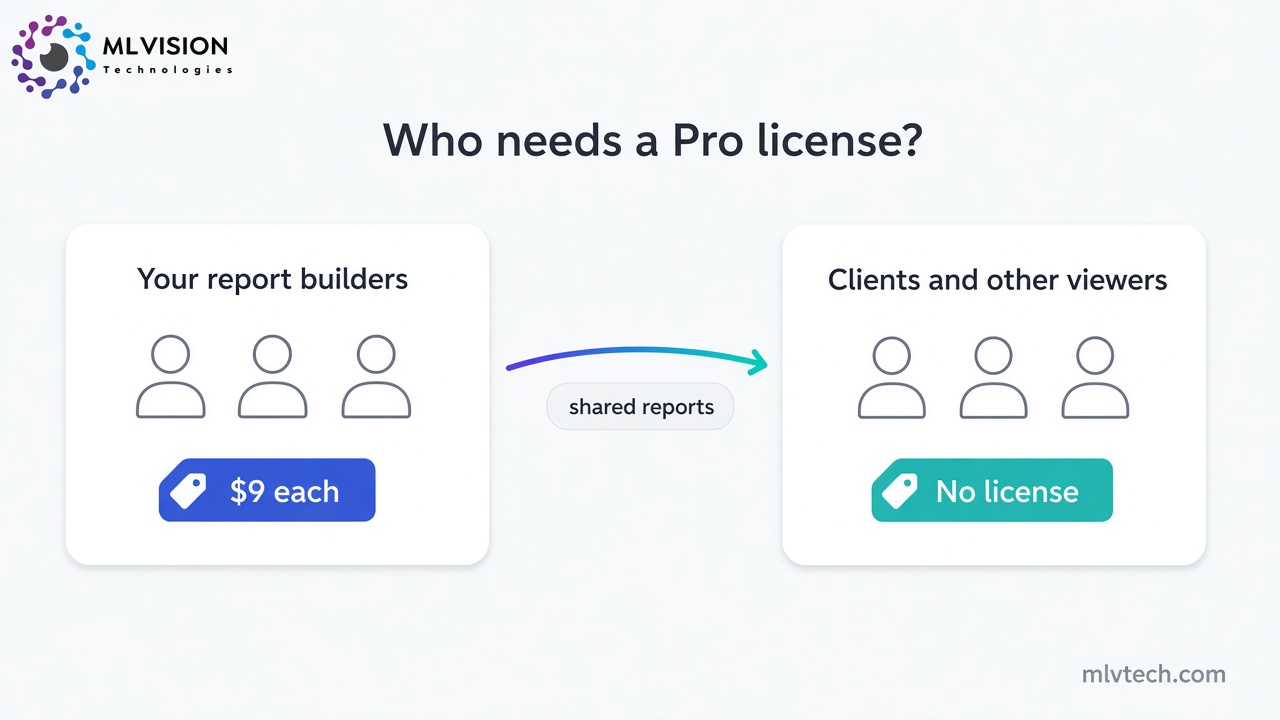
- Only builders need a license. Anyone who creates, edits or manages content in a Pro workspace needs one. People who only view reports don’t, so clients open their dashboards without a paid seat.
- You pay for every license you buy, used or not. Google bills monthly for the number of licenses in the subscription.
- Each subscription belongs to one Google Cloud project. That is the “per project” in the price. A second project means a second subscription with its own licenses.
A five-person reporting team on one project pays $45 a month, or $540 a year.
Pro needs a managed Google account, meaning Google Workspace or Cloud Identity, so a personal Gmail address won’t work. Google offers a 30-day free trial with no cap on users. Billing starts automatically when it ends, so set a reminder.
What does Looker Studio Pro add?
Reports look the same on both versions. Pro changes who owns them and how your team runs them.
Ownership is the big one. On the free version, every report belongs to the person who built it. With Pro, content belongs to your organization through a Google Cloud project, and Google says it keeps working if its creator leaves. If one analyst built 40 client dashboards and then resigns, you will be glad of that.
Delivery gets far less limited. The free version allows one schedule per report, sent at most once a day. Pro allows up to 200 schedules per report, as often as hourly, with delivery to Slack and Google Chat. You can also filter emailed reports by recipient, so one report goes to several client contacts and each sees only their own data.
Pro also adds team workspaces with roles, chart alerts, Gemini assistance and security controls such as customer-managed encryption keys.
Support comes with a condition. Google’s docs say you need a Google Cloud support plan as well as the Pro subscription to get technical help.
Looker Studio Pro pricing for agencies: the client account catch
Most pricing guides stop at $9. For an agency, the harder question is whose Google account the subscription lives in.
Google requires that a Pro subscription be started by a user inside the organization that owns the Google Cloud project. Its guidance for partners is blunt: a partner can’t buy or start Pro for a project in a client’s separate organization.
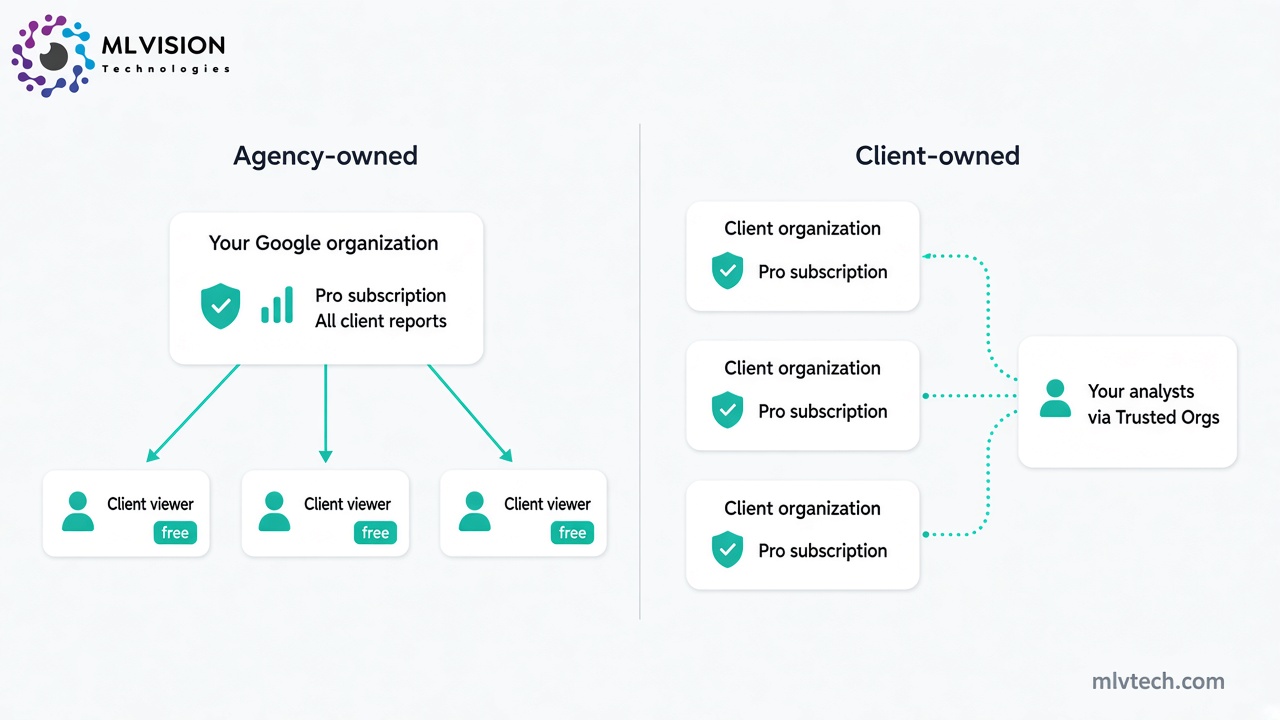
Agency-owned
You subscribe inside your own Google Workspace organization and keep every client’s reports in your team workspaces. Clients view for free. Your cost is the number of report builders on your team, times $9.
The trade-off is ownership. The dashboards live in your project, which is fine until a client leaves and wants to take them along.
Client-owned
The client starts the subscription in their own organization and pays for it. They then assign licenses to your people through a feature called Trusted Orgs. Google says turning that on takes a support contract and a request to Cloud Customer Care.
The client owns everything, which some contracts require. The cost multiplies, though. Two of your analysts licensed on 10 client subscriptions makes 20 licenses, or $180 a month across your clients’ Google Cloud bills.
Our view: agency-owned is simpler and cheaper for most small agencies. Go client-owned when a contract says the client must own its reporting assets.
What does “free” really cost an agency?
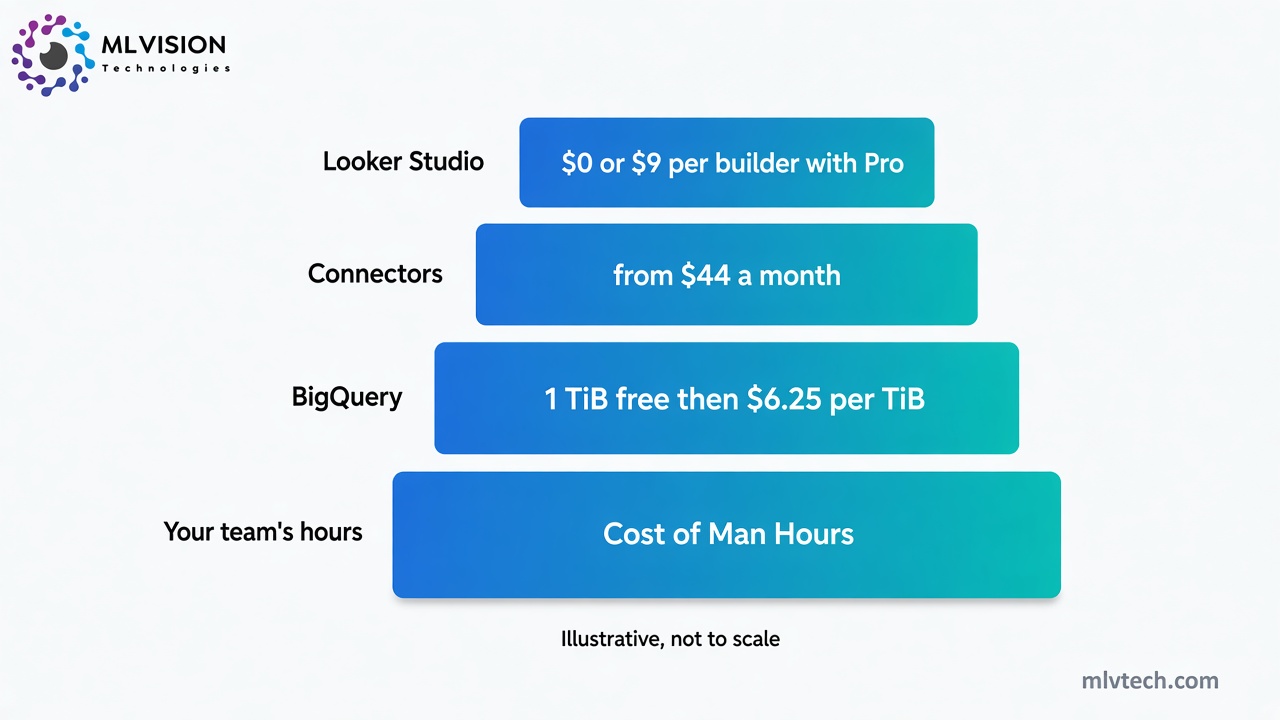
Paid connectors
Google’s own connectors cover its products (Ads, Analytics, Search Console, Sheets, YouTube, BigQuery) plus a few databases and file uploads. Data from Meta, LinkedIn, TikTok or HubSpot comes through partner connectors, and many of those are paid.
Supermetrics is a common choice. Its Starter plan starts at $44 a month billed yearly and covers three data sources, one user and three accounts per data source. Agencies hit that last limit first: your fourth client’s Meta ad account doesn’t fit.
The Growth plan starts at $177 a month billed yearly, or $2,124 a year, for six data sources and seven accounts per source.
BigQuery
When direct connectors get slow or unreliable, the usual fix is to load the data into BigQuery, Google’s data warehouse, and point your reports at that.
BigQuery pricing is friendly at small scale. The first 1 TiB of query data each month is free, and on-demand queries cost $6.25 per TiB after that. The risk is a badly built report. Every chart runs a query, and a busy dashboard with many viewers runs a lot of them.
The free route has its own limit. Reports connected straight to GA4 are subject to Google Analytics Data API quotas, and Google warns that reports exceeding them may show an error. A client opening a broken dashboard before a board meeting is a cost too, even though no invoice arrives for it.
Your team’s hours
Looker Studio shows data. It does very little to clean it.
Campaign names differ between Meta and Google Ads, the CRM export has duplicates, and the client wants one blended return-on-ad-spend number. So someone on your team rebuilds it in Google Sheets every Monday.
Say that prep takes two hours a week per client. With 10 clients, that is 20 hours a week, half a full-time job spent feeding a free tool.
Should your agency pay for Pro? Our honest take
Stay on the free version of Looker Studio if one or two people build your reports, your clients’ data is mostly in Google products, and monthly reporting is enough. Add a step to your offboarding checklist so reports get transferred before someone leaves.
Pay for Pro when three or more people work on the same reports, when clients expect delivery to Slack or a personalized weekly email, or when a contract asks for organization ownership. At $9 a seat, it costs less than one afternoon spent rebuilding a dashboard that left with a former employee.
Don’t expect Pro to fix bad data. It is an admin upgrade. If your reports are slow, wrong or late, the problem sits upstream of the dashboard, and that is where the money should go first.
That upstream layer is the work we do at ML Vision. We build data pipelines that pull ad, CRM and sales data into one warehouse on a schedule, client dashboards on top of clean tables, and workflow automation that sends reports out without anyone opening a spreadsheet. For an agency with a handful of clients on Google data only, all of that is overkill.
Where to go from here
Start on the free version and add up what reporting costs you each month: connector fees, warehouse bills and the hours your team spends on prep. If the hours are the largest line, a Pro license won’t change it. Fixing the data will.
Frequently asked questions
Is Looker Studio free for agencies?
How much is Looker Studio Pro?
Do clients need a Looker Studio Pro license to view reports?
Is Looker Studio the same as Looker?
Can an agency buy Looker Studio Pro for a client?
Paying for connectors and still fixing client reports by hand?
We help marketing agencies clean the data behind Looker Studio so client dashboards update themselves — without another Monday in Sheets.